Your Dashboard: A Complete Guide
A walkthrough of every section in the owner dashboard.
Your Owner Dashboard
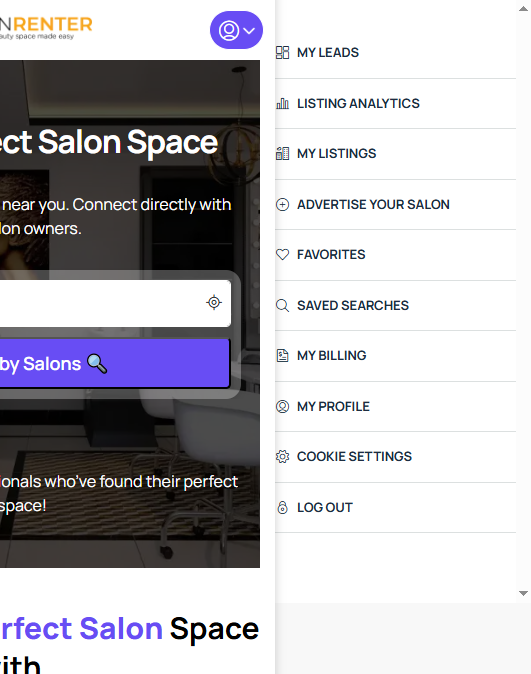
When you log in and click your profile, you'll see a dropdown menu with everything you need to manage your Salon Renter presence. Here's what each section does.
My Leads
This is where inquiries from interested renters show up. You'll find tabs for Activities, Deals, Leads, and Inquiries. When a renter fills out a contact form or requests a tour on your listing, it appears here.
Listing Analytics
Track how your listing is performing. See unique visitors, views over time, and trends over a 60-day window. Use this data to understand whether your optimization efforts are paying off.
My Listings
The central hub for managing your listings. View all your listings, check their statuses, edit details, renew subscriptions, or create new listings. This is where you'll spend most of your time.
Advertise Your Salon
A quick shortcut to create a new listing or purchase a marketing package. Leads to the listing creation flow and pricing page.
Favorites
Listings you've saved for reference. This is more commonly used by renters, but owners can save listings too.
Saved Searches
Any search alerts or saved search criteria. Get notified when new listings matching your criteria are posted.
My Billing
View and manage your subscriptions, invoices, and payment history. Cancel subscriptions, download receipts, and update payment methods from here.
My Profile
Update your account information, including your name, email, profile photo, and password.