How to Schedule a Tour
Walk through the tour scheduling widget on listing pages.
Scheduling a Tour
When you find a listing you're interested in, you can request a tour directly from the listing page.
How to Schedule
- Go to the listing page for the space you want to visit
- Find the tour scheduling form on the right side of the page
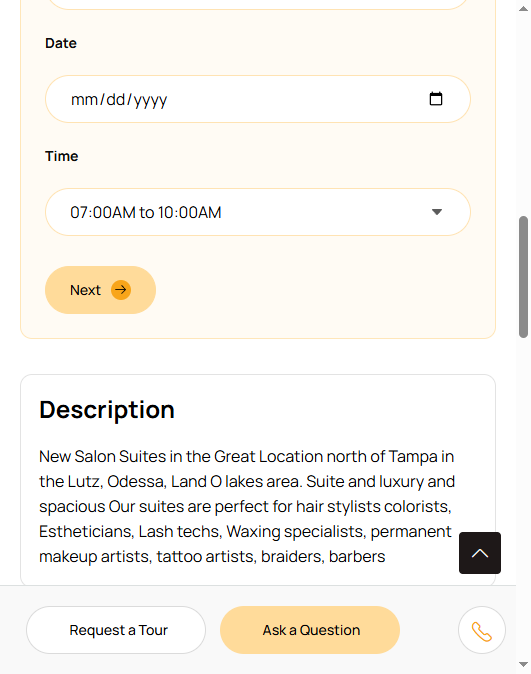
- Choose your tour type:
- In Person for an on-site walkthrough
- Video Chat for a virtual tour (great if you're not local)
- Select your preferred date and time
- Enter your name, email, and phone number
- Add an optional message (introduce yourself, mention what you're looking for)
- Click Submit
What Happens Next
The salon owner receives your tour request via email and in their dashboard. They'll reach out to confirm the date and time or suggest an alternative.
Tips for a Great Tour
Show up on time. Respect the owner's schedule just like you'd want a client to respect yours.
Come prepared with questions. Check out the Questions to Ask Before Renting article for a great list.
Take notes and photos. If you're touring multiple spaces, it helps to remember what you saw.
Trust your gut. Beyond the physical space, pay attention to the vibe. Is it clean? Professional? Would your clients feel comfortable here?
Video Chat Tours
If you're requesting a video chat tour, the owner will typically send you a FaceTime, Zoom, or Google Meet link. Make sure you're somewhere with a good connection so you can see the space clearly.
Video tours are especially useful if you're relocating to a new city and want to narrow down options before visiting in person.