I Signed Up with Google but Can't Log In with Email (or Vice Versa)
A common login mix-up and how to fix it.
Google Sign-In vs. Email/Password Login
This is one of the most common support questions we get, and it has a simple explanation.
The Problem
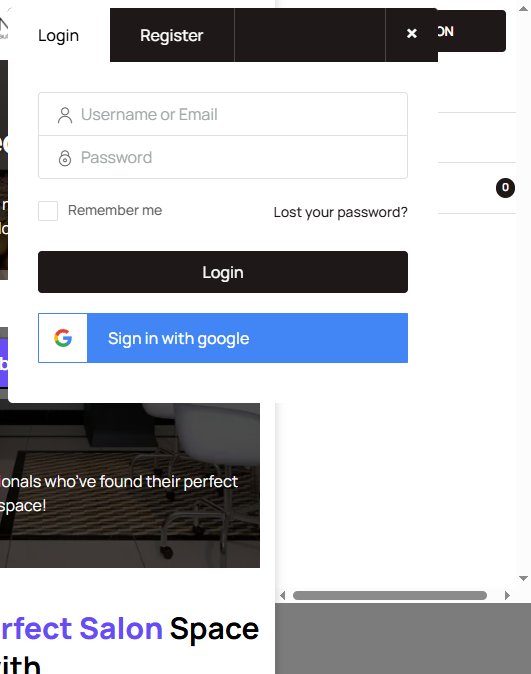
Salon Renter runs on WordPress and supports two sign-in methods: email/password and Google Sign-In. These are separate authentication methods. If you signed up with one, you need to log in with the same one.
How to Fix It
If you signed up using Google Sign-In: Click the "Sign in with Google" button on the login page. Don't try to enter an email and password manually. Your account doesn't have a password because Google handles authentication.
If you signed up with email and password: Use the email/password fields. Don't click the Google button unless you've also linked your Google account.
How to Check Which Method You Used
Try both. Start with Google Sign-In. If that doesn't work, try email/password. If neither works, it's possible you used a different email address than you're thinking of.
Still Stuck?
If you can't get in with either method, email help@salonrenter.com with the email address you think you registered with. I can look up your account and help you get back in.